
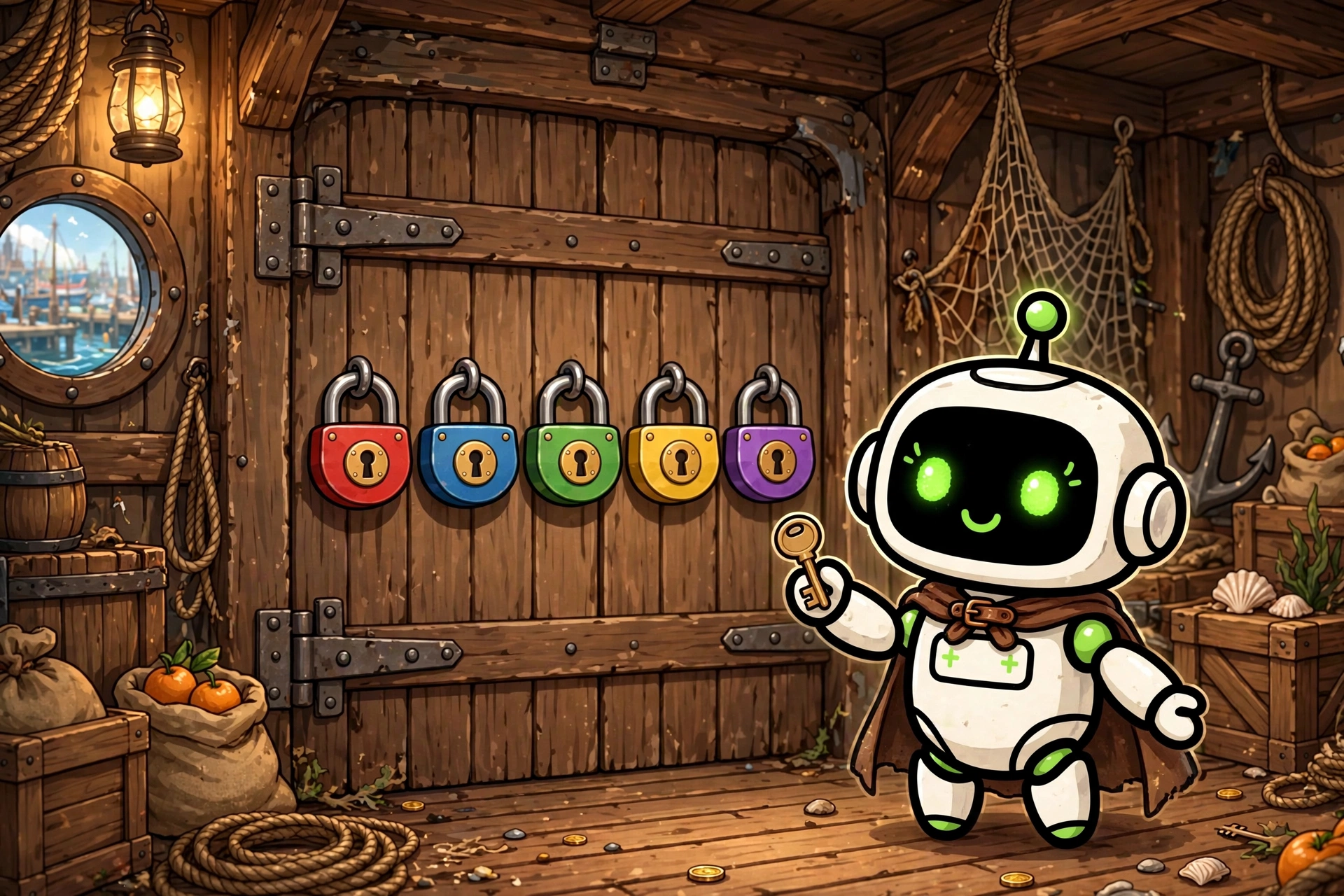
Five Locks Escape
Five chained puzzles on one theme, refereed by your assistant: a sealed answer key written before the first puzzle, 3 hints for the whole game, and a lock that can be forced instead of blocking you. Solo in chat, or cooperative in your own group.
- What
- Five chained puzzles on one theme, refereed by your assistant: a sealed answer key written before the first puzzle, 3 hints for the whole game, and a lock that can be forced instead of blocking you. Solo in chat, or cooperative in your own group.
- Cost
- Free
- Needs
- Before you start: tell me in a few lines what this skill does and what installing it involves, and wait for my go-ahead.
- Install
- Copy the installer prompt below into your Muse — your agent does the rest.
A Skill Harbor house build: an escape game of five locks in a chain, refereed by your own Muse. Pick a theme, and your assistant generates all five puzzles in one pass, before the game starts. Each solved puzzle hands you the word, code, or key the next lock actually needs: the solution of lock one is the decryption key, the reading order, or the selection word of lock two, and so on to the fifth door. It is a real chain, not five unrelated riddles in the same decor, and the difficulty rises along the way. The refereeing is the anti-cheating design. Before the first puzzle is shown, the complete answer key is written into a sealed game state file: every solution, every accepted spelling variant, every hint text, every chain link. Nothing is invented mid-game and nothing leaks early: you only ever see one lock at a time. Your proposals get the same neutral verdict, correct or incorrect, never a warm or cold hint, and an answer counts only if it matches the key as written, after a fair normalization of case, accents, and separators. You share 3 hints for the whole game, one per lock at most, each costing 5 points. Scoring is plain: 20 points per lock solved, 100 for a perfect run, minus the hints you spent. And no lock can trap you forever: after enough failed attempts the referee offers to force the lock, it opens for 0 points, and the piece of the chain hidden inside it is handed over as a mechanism so the next lock stays playable. Play it solo, right in chat, with no prerequisites at all beyond a theme. Or play it cooperatively, your whole group against the game, in a messaging group you own and connect to your assistant, Messenger first: the team is one counter for attempts, hints, and score, everything happens in the public thread because this game has no individual secrets, a hint is spent by any player's explicit request, and forcing a lock takes one player asking and a second one confirming. Either way, a finished game ends with the full reveal: every solution, the reasoning that leads to it, and your final grade out of 100. The listing is free under the Skill Harbor House License: free to use for yourself and in your own groups and projects, all rights reserved, no redistribution or resale. The files are plain Markdown you can read before installing, and the game data the skill creates, the sealed state and your solo scores, lives in a data folder you own, never inside the skill.
Version:
Install
Copy the install package below, then paste it into Muse🧪 Installed in our test VM · Oct 10, 2026The install prompt below already includes the vetting steps: your agent follows the community checklist before installing anything with executable code. Want more?
Before you start: tell me in a few lines what this skill does and what installing it involves, and wait for my go-ahead. Prerequisites: none for installing the skill files, and none to play solo in chat afterward. To play the cooperative group mode afterward, I need a messaging account connected to my assistant (Messenger first) and a group on it that I designate; the assistant referees from my own account, and public game messages need my approval before they are sent. Install "Five Locks Escape" for me. It turns my assistant into the referee of a five-puzzle chained escape game: the complete answer key is written and sealed in a game state file before the first puzzle, the team shares 3 hints for the whole game, and any lock can be forced at a points cost instead of blocking the game. Playable solo in chat, or cooperatively in my own group. Source: https://raw.githubusercontent.com/skill-harbor-hq/house-skills/main/five-locks-escape/SKILL.md Helper files, in the same skill folder in the repository (five-locks-escape/): references/five-locks-escape.md, references/group-messaging.md, and LICENSE. 1. Download SKILL.md, the two helper files, and LICENSE into a temporary folder, keeping the helper files inside a references subfolder. 2. Compare each file with the fingerprint from Skill Harbor's review of 2026-10-10: - SKILL.md: SHA-256 ff788f8e8c28388659e121b8a95c27b6fa7fb50193e13c8a189172c352d465ae - references/five-locks-escape.md: SHA-256 7c6886323092be153001e583b72c968cbd1c17d20363f6907724bcc16126de8b - references/group-messaging.md: SHA-256 3e92c77f104757180cfa9e0e3530c45113e4b8f84614770754469aef9eecaff4 - LICENSE: SHA-256 d7db27db632a56a432d4f883c89507f031215e665f4806dfcd2dea15c0fb8271 If a file does not match, it changed since the review: do not install it yet, tell me what you found and let me decide. 3. Read the files and tell me in plain words: what the skill does when used, whether it connects to a service, whether it reads or sends any personal information or keys, and anything that seems unusual. 4. When I say yes, copy the files into my skills folder, in a folder named "five-locks-escape", keeping the two helper files inside their references subfolder and LICENSE alongside SKILL.md. 5. Check the copy opens correctly (valid frontmatter, files in place) and tell me what was installed, where, and what is left for me to do: nothing to play solo; for group play, connect my messaging, designate my group, and fill in the player config in my own data folder. GitHub is optional: if I have a GitHub account or the gh CLI, you may use it; otherwise public access is fine. Rules: only touch the temporary folder and the install target. If something seems off, stop and ask me.
Saved to your recent installs. Find it anytime on /connect.
Questions
How do I install a build?
Every product page includes a copy-paste install prompt. Paste it into your Muse and it sets the build up for you — no manual configuration.
Where does my money go?
Straight to the seller. Skill Harbor never processes payments: checkout happens on the seller’s own page, usually Stripe.
What does the ✓ next to a creator’s name mean?
It means we confirmed the identity of the person behind the listing. It says nothing about the code itself — always check a build before installing it.