
Caption Contest
A blind caption game refereed by your assistant inside your own group chat: one photo per round, captions collected privately and published anonymized and shuffled, voting with no self-vote, authors revealed only after the count.
- What
- A blind caption game refereed by your assistant inside your own group chat: one photo per round, captions collected privately and published anonymized and shuffled, voting with no self-vote, authors revealed only after the count.
- Cost
- Free
- Needs
- Before you start: tell me in a few lines what this skill does and what installing it involves, and wait for my go-ahead.
- Install
- Copy the installer prompt below into your Muse — your agent does the rest.
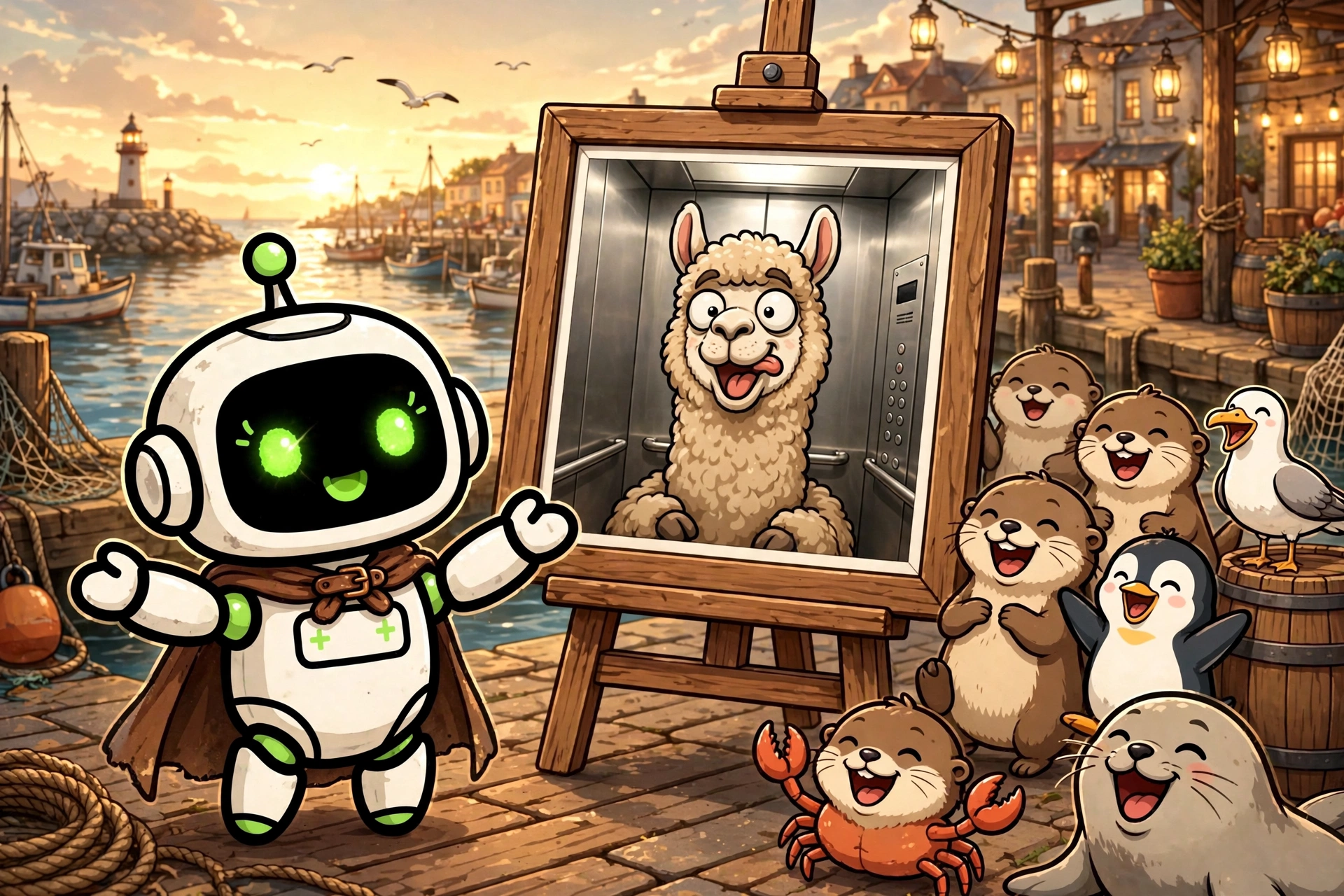
A Skill Harbor house build: a caption contest with blind voting, refereed by your own Muse inside a group chat you own. One photo per round. Each player writes the funniest caption they can for it and sends it in private to the referee, never in the group thread. The referee publishes all the captions anonymized and shuffled, under neutral codes, with no name attached, and the group votes without ever being able to vote for its own caption. Only after the count are the authors revealed: the winner first, then every other caption, code by code. The game plays with 4 to 8 players, 3 rounds by default, and it is asynchronous on purpose: collection, vote, and revelation each run against an announced deadline, so a round stretches over hours and a game fits around real life. The whole design protects one thing: nobody knows who wrote what until the vote is over. Captions are collected in 1:1 only, acknowledged with a bare status and no comment, and checked at receipt for anything that would identify their author beyond style or humour: a proper name, a signature, a private reference only the author could claim. Such a caption is sent back privately, by category of problem only, to be reworded before the same deadline; the discarded version is never published, never quoted, and never kept. Retained captions are assigned codes in a random order, the complete code-to-author table is written into a sealed state file before any publication, and the texts are published exactly as written, under uniform presentation only, correcting a caption would already be signing it. A caption posted in the public thread by mistake is burned for the round, and a round with fewer than 3 retained captions is not published at all. Voting is settled just as carefully. The round's mode is chosen before it opens and announced with the photo: written ballots in private, where a self-vote is actually detected and discarded, with the voter told privately and free to vote again before the deadline; or reactions on one separate message per caption, where the self-vote ban is stated plainly as an honour rule, because the referee discards what it can detect but cannot promise to detect everything. If two captions tie for first place, the tie is broken by a private written revote reserved to neutral voters only, the players who authored none of the tied captions; the tied authors never break their own tie. If the tie persists, there is no third round and no draw: the captions are co-winners. Points are fixed and announced in advance: winner +2, finalist +1, co-winners +1 each, and no points for voters. Honest prerequisites: installing the skill files needs nothing at all. Playing needs a Muse assistant and a messaging account you connect to it yourself, Messenger first, plus a group on it that you designate. The referee writes from your own account and every public message needs your approval before it is sent. The host can play in their own contest: in that mode the referee shows a playing host only statuses and the anonymized caption texts under their codes, never the author table, and that protection is procedural, a matter of trust, not a technical wall; it is stated plainly to the players. Each round's photo comes from the host, under the conditions written in the rules, or is generated or chosen by the assistant at the host's request with the exact image approved before publication. This listing is under the Skill Harbor House License: free to use, all rights reserved, not open source.
Version:
Install
Copy the install package below, then paste it into Muse🧪 Installed in our test VM · Oct 10, 2026The install prompt below already includes the vetting steps: your agent follows the community checklist before installing anything with executable code. Want more?
Before you start: tell me in a few lines what this skill does and what installing it involves, and wait for my go-ahead. Prerequisites: none for installing the skill files. To play a game afterward, I need a messaging account connected to my assistant (Messenger first) and a group on it that I designate; the assistant referees from my own account, and public game messages need my approval before they are sent. Install "Caption Contest" for me. It turns my assistant into the referee of a blind caption game in my own group chat: one photo per round, captions collected privately and published anonymized and shuffled, voting with no self-vote, and authors revealed only after the count. Source: https://raw.githubusercontent.com/skill-harbor-hq/house-skills/main/caption-contest/SKILL.md Helper files, in the same skill folder in the repository (caption-contest/): references/caption-contest.md, references/group-messaging.md, and LICENSE. 1. Download SKILL.md, the two helper files, and LICENSE into a temporary folder, keeping the helper files inside a references subfolder and LICENSE at the root of the skill folder. 2. Compare each file with the fingerprint from Skill Harbor's review of 2026-10-10: - SKILL.md: SHA-256 7b41e9b008630c8bf17579eb2d317d36b88221e33b5c0c85e4f44e2594a8632b - references/caption-contest.md: SHA-256 56fb181e485835f450151ddb6d19256ccb695dc99e0250b77da13086c26b5400 - references/group-messaging.md: SHA-256 3e92c77f104757180cfa9e0e3530c45113e4b8f84614770754469aef9eecaff4 - LICENSE: SHA-256 d7db27db632a56a432d4f883c89507f031215e665f4806dfcd2dea15c0fb8271 If a file does not match, it changed since the review: do not install it yet, tell me what you found and let me decide. 3. Read the files and tell me in plain words: what the skill does when used, whether it connects to a service, whether it reads or sends any personal information or keys, and anything that seems unusual. 4. When I say yes, copy the files into my skills folder, in a folder named "caption-contest", keeping the two helper files inside their references subfolder and LICENSE at the root of the folder. 5. Check the copy opens correctly (valid frontmatter, files in place) and tell me what was installed, where, and what is left for me to do: connect my messaging, designate my group, and fill in the player config in my own data folder. GitHub is optional: if I have a GitHub account or the gh CLI, you may use it; otherwise public access is fine. Rules: only touch the temporary folder and the install target. If something seems off, stop and ask me.
Saved to your recent installs. Find it anytime on /connect.
Questions
How do I install a build?
Every product page includes a copy-paste install prompt. Paste it into your Muse and it sets the build up for you — no manual configuration.
Where does my money go?
Straight to the seller. Skill Harbor never processes payments: checkout happens on the seller’s own page, usually Stripe.
What does the ✓ next to a creator’s name mean?
It means we confirmed the identity of the person behind the listing. It says nothing about the code itself — always check a build before installing it.