
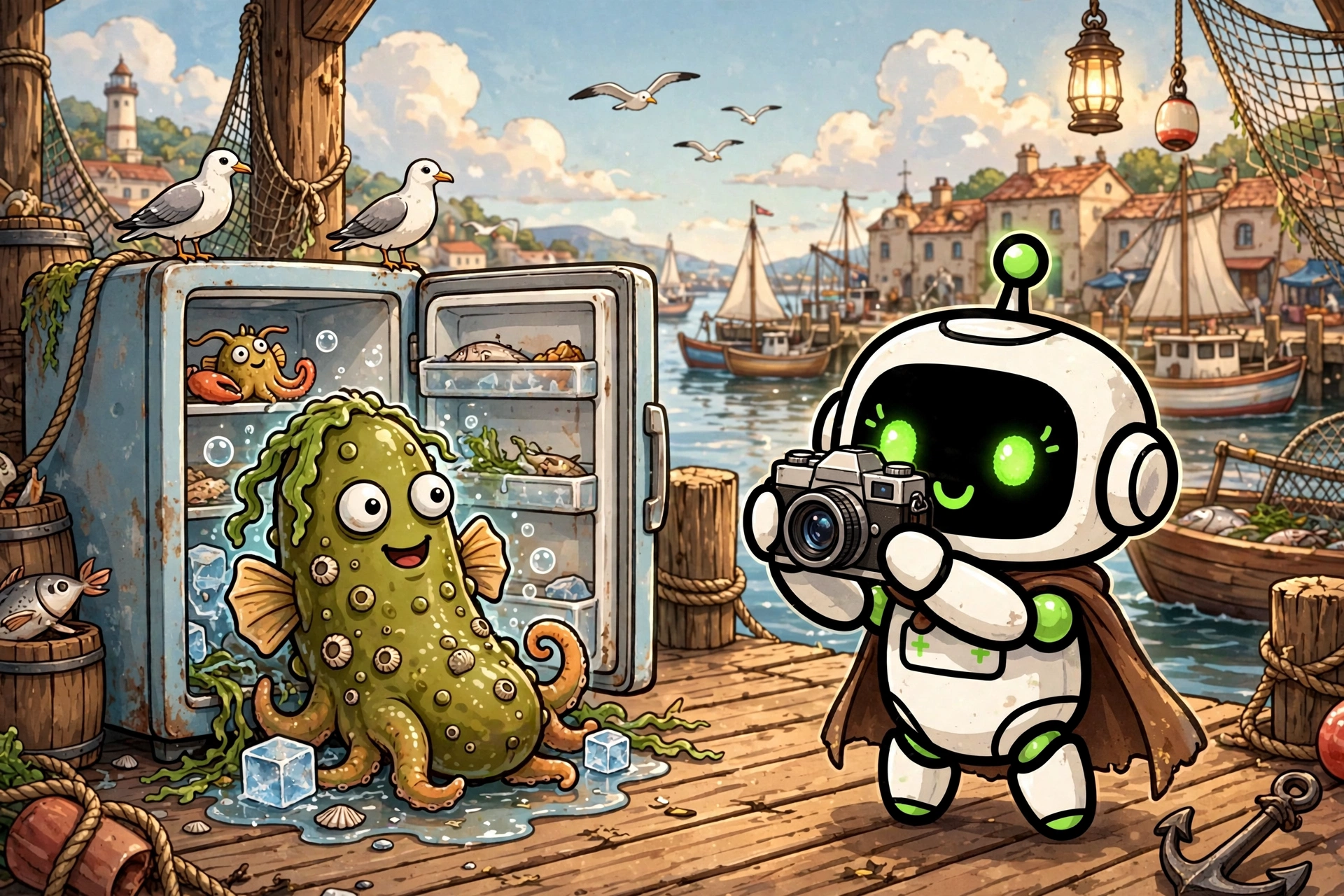
Photo Challenge
A rolling group photo game refereed by your assistant in your own group chat: a theme is announced, each player submits their own photo privately, all photos are republished together anonymized for a vote by reactions, and points build a season ranking.
- What
- A rolling group photo game refereed by your assistant in your own group chat: a theme is announced, each player submits their own photo privately, all photos are republished together anonymized for a vote by reactions, and points build a season ranking.
- Cost
- Free
- Needs
- Before you start: tell me in a few lines what this skill does and what installing it involves, and wait for my go-ahead.
- Install
- Copy the installer prompt below into your Muse — your agent does the rest.
A Skill Harbor house build: Photo Challenge, the rolling photo game, refereed by your own Muse inside a group chat you own. Each cycle, the referee announces a theme that anyone can photograph without special equipment, something red, my favourite corner, the contents of a pocket. The 3 to 12 registered players then have a fixed window, four days in the default seven day cycle, to take their own photo and submit it. The season ranking rewards regularity, not one evening of glory, and a theme bank plus member suggestions keep the themes fresh. Collection is deferred and private, and that choice is the heart of the game. Each player sends their photo in a one to one message to the referee, never in the thread during the submission window, and the referee answers with a bare acknowledgement and no comment on the photo, ever. When submissions close, all accepted photos are republished together, in a random order, each under a letter and without its author name while anonymity is on. Nobody collects reactions while the others are still photographing, and nobody votes for a person instead of a photo. The referee never judges taste: whether a photo embodies the theme well is exactly what the vote decides. A submission can be set aside only if it is manifestly unrelated to the theme, through a bounded procedure with a written reason and the host approval, and doubt always keeps the photo. Voting is by reactions on the photos themselves, two per voter by default, at most one per photo, and any reaction counts for one. A member may vote without having submitted, and a member whose photo was refused may vote normally. One written rule is applied quietly at counting: a reaction from a photographer on their own photo is discarded, never counted and never named in the thread. A late submission is refused without exception, even by one minute, but the late member still votes. Points follow the cycle ranking, ties share the rank and its points with no tiebreak. That recap shows the honest prerequisites of the setup. The referee prepares it and sends it to the host privately, marked waiting for approval; nothing is published, and no winner is declared, until the host explicitly approves it. Installing the skill files needs nothing at all. Playing needs a Muse assistant and a messaging account you connect to it yourself, Messenger first, plus a group on it that you designate and the players photos; the referee writes from your own account, and every public message needs your approval before it is sent. This listing is under the Skill Harbor House License v1.0: free to use, all rights reserved, not open source.
Version:
Install
Copy the install package below, then paste it into Muse🧪 Installed in our test VM · Oct 10, 2026The install prompt below already includes the vetting steps: your agent follows the community checklist before installing anything with executable code. Want more?
Before you start: tell me in a few lines what this skill does and what installing it involves, and wait for my go-ahead. Prerequisites: none for installing the skill files. To play a game afterward, I need a messaging account connected to my assistant (Messenger first) and a group on it that I designate; the assistant referees from my own account, and public game messages need my approval before they are sent. Install "Photo Challenge" for me. It turns my assistant into the referee of a rolling photo game in my own group chat: a theme is announced, each player submits their own photo privately to the referee, all accepted photos are republished together anonymized under letters for a vote by reactions counted by the referee with self-votes discarded, and points build a season ranking. Source: https://raw.githubusercontent.com/skill-harbor-hq/house-skills/main/photo-challenge/SKILL.md Helper files, in the same skill folder in the repository (photo-challenge/): references/group-messaging.md, references/photo-challenge.md, and the LICENSE file at the root of the skill folder. 1. Download SKILL.md, the two helper files, and LICENSE into a temporary folder, keeping the helper files inside a references subfolder and LICENSE beside SKILL.md. 2. Compare each file with the fingerprint from Skill Harbor's review of 2026-10-10: - SKILL.md: SHA-256 82dae9791ade2ff7fb99923ca95d3adac24554c74d2cceaa988be80c619c2a84 - references/photo-challenge.md: SHA-256 e25bf9d20b181f9af7779641b0e7f7ab4f1570d3340bdd4aaa08e369593d1550 - references/group-messaging.md: SHA-256 3e92c77f104757180cfa9e0e3530c45113e4b8f84614770754469aef9eecaff4 - LICENSE: SHA-256 d7db27db632a56a432d4f883c89507f031215e665f4806dfcd2dea15c0fb8271 If a file does not match, it changed since the review: do not install it yet, tell me what you found and let me decide. 3. Read the files and tell me in plain words: what the skill does when used, whether it connects to a service, whether it reads or sends any personal information or keys, and anything that seems unusual. 4. When I say yes, copy the files into my skills folder, in a folder named "photo-challenge", keeping the two helper files inside their references subfolder and LICENSE beside SKILL.md. 5. Check the copy opens correctly (valid frontmatter, files in place) and tell me what was installed, where, and what is left for me to do: connect my messaging, designate my group, and fill in the player config in my own data folder. GitHub is optional: if I have a GitHub account or the gh CLI, you may use it; otherwise public access is fine. Rules: only touch the temporary folder and the install target. If something seems off, stop and ask me.
Saved to your recent installs. Find it anytime on /connect.
Questions
How do I install a build?
Every product page includes a copy-paste install prompt. Paste it into your Muse and it sets the build up for you — no manual configuration.
Where does my money go?
Straight to the seller. Skill Harbor never processes payments: checkout happens on the seller’s own page, usually Stripe.
What does the ✓ next to a creator’s name mean?
It means we confirmed the identity of the person behind the listing. It says nothing about the code itself — always check a build before installing it.