
Five-Letter Word
A solo word guessing game in chat: one common five-letter word sealed before your first guess, 6 valid guesses, exact letter feedback with a strict duplicate rule, and a winning streak that persists between games.
- What
- A solo word guessing game in chat: one common five-letter word sealed before your first guess, 6 valid guesses, exact letter feedback with a strict duplicate rule, and a winning streak that persists between games.
- Cost
- Free
- Needs
- Before you start: tell me in a few lines what this skill does and what installing it involves, and wait for my go-ahead.
- Install
- Copy the installer prompt below into your Muse — your agent does the rest.
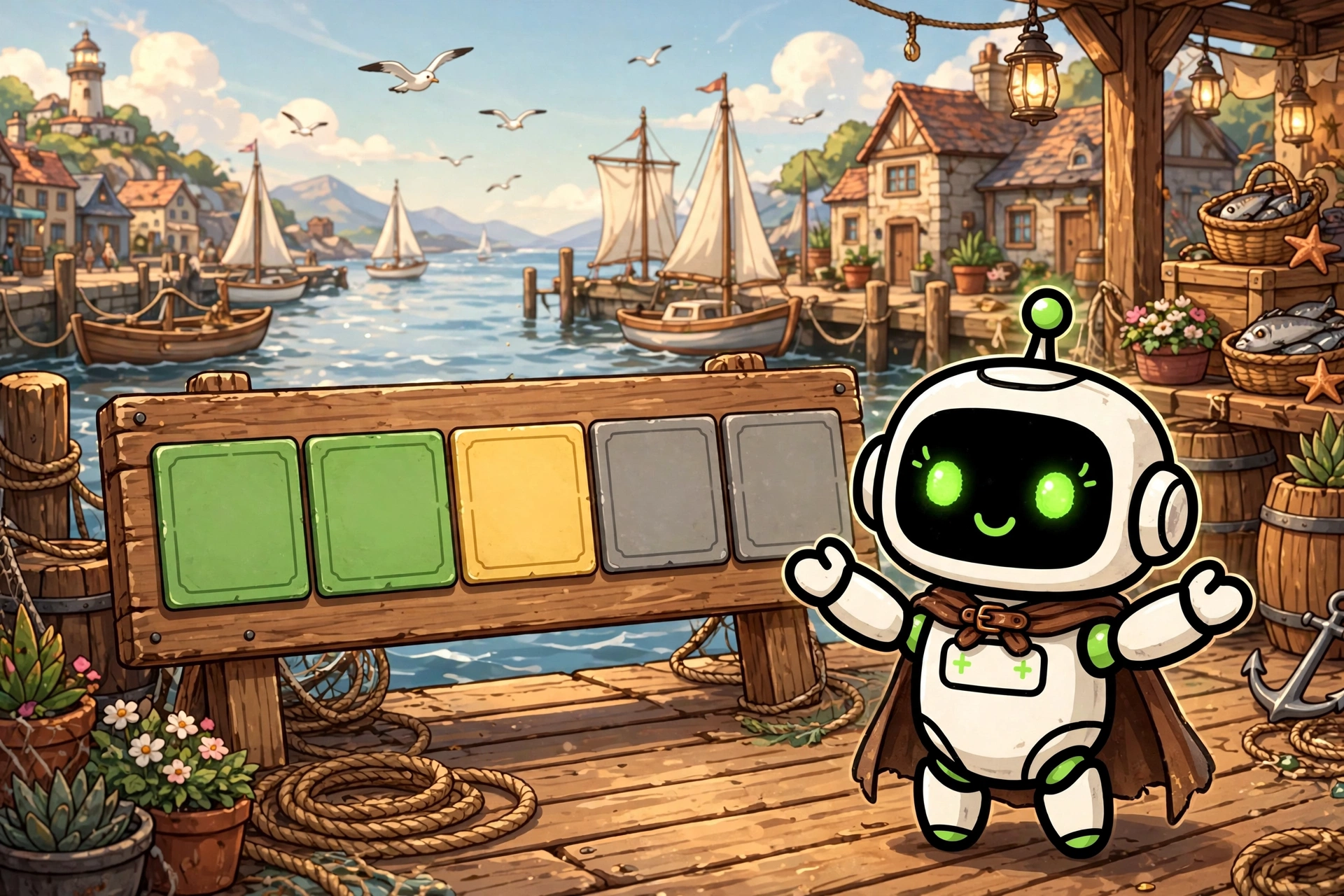
A Skill Harbor house build: a solo word guessing game refereed by your own Muse, right in chat. Your assistant picks one common five-letter word in the language of your conversation, French or English, from a curated everyday vocabulary, and seals it in a game state file before your first guess. You get 6 valid guesses to find it. There is no starting category, no hint to buy, and no help beyond the feedback itself: every guess has to earn its information. Games are unlimited, and a new one can start whenever you want. The feedback is exact, and its hardest case is settled in writing: duplicate letters. Each valid guess is answered with one fixed grid: your five letters, then five squares, green for a letter in the right place, yellow for a letter present elsewhere, grey for an absent letter, then the colour counts and your guess counter. The squares are computed in two passes, greens first, each one consuming its occurrence of the target word, then yellows from left to right only while an unconsumed occurrence remains. A letter is therefore never credited more times in one guess than it actually appears in the word, and a grey square on a repeated letter means fully counted, never a false claim that the letter is absent. The frame stays firm in the ways that keep the game honest. A guess that is not a real word of the game's language, has the wrong length, contains non-letters, or repeats an earlier guess is rejected in one sentence, consumes nothing, and returns no letter feedback at all, so it teaches nothing and costs nothing, and you simply propose again in the same turn. When your assistant doubts whether a word exists, the doubt benefits you. A win scores (7 minus the winning guess number) times 20, a loss or an abandon scores 0, and consecutive wins build a streak that persists in your own data folder, with your full game history and your best streak, always read from the file rather than from memory. The listing is free under the Skill Harbor House License: free to use for yourself and in your own projects, all rights reserved, no redistribution or resale, and it is not open source. There are no prerequisites at all: no account, no connection, no group, nothing to configure. The files are plain Markdown you can read before installing, and the game data the skill creates, the sealed state and your scores, lives in a data folder you own, never inside the skill.
Version:
Install
Copy the install package below, then paste it into Muse🧪 Installed in our test VM · Oct 10, 2026The install prompt below already includes the vetting steps: your agent follows the community checklist before installing anything with executable code. Want more?
Before you start: tell me in a few lines what this skill does and what installing it involves, and wait for my go-ahead. Prerequisites: none. Install "Five-Letter Word" for me. It turns my assistant into the referee of a solo word guessing game in chat: a common five-letter word is sealed in a game state file before my first guess, I get 6 valid guesses with exact letter by letter feedback, duplicate letters are settled by a two-pass rule so a letter is never credited more times than it appears in the target word, and invalid guesses are rejected without consuming a try. My game history and my winning streak are kept in my own data folder. Source: https://raw.githubusercontent.com/skill-harbor-hq/house-skills/main/five-letter-word/SKILL.md Helper files, in the same skill folder in the repository (five-letter-word/): references/five-letter-word.md, and LICENSE at the root of the skill folder. 1. Download SKILL.md, the helper file, and LICENSE into a temporary folder, keeping the helper file inside a references subfolder. 2. Compare each file with the fingerprint from Skill Harbor's review of 2026-10-10: - SKILL.md: SHA-256 be5a9d621e657a933f6f4adc665faddef7d2bc7838984d4a1831fef614299b35 - references/five-letter-word.md: SHA-256 e7a22280accbe62fa51f9ae139a019c4bcc4fbe85c8f0a2ee3020d2dc85f139f - LICENSE: SHA-256 d7db27db632a56a432d4f883c89507f031215e665f4806dfcd2dea15c0fb8271 If a file does not match, it changed since the review: do not install it yet, tell me what you found and let me decide. 3. Read the files and tell me in plain words: what the skill does when used, whether it connects to a service, whether it reads or sends any personal information or keys, and anything that seems unusual. 4. When I say yes, copy the files into my skills folder, in a folder named "five-letter-word", keeping the helper file inside its references subfolder and LICENSE alongside SKILL.md. 5. Check the copy opens correctly (valid frontmatter, files in place) and tell me what was installed, where, and what is left for me to do: nothing, just start a game whenever I want. GitHub is optional: if I have a GitHub account or the gh CLI, you may use it; otherwise public access is fine. Rules: only touch the temporary folder and the install target. If something seems off, stop and ask me.
Saved to your recent installs. Find it anytime on /connect.
Questions
How do I install a build?
Every product page includes a copy-paste install prompt. Paste it into your Muse and it sets the build up for you — no manual configuration.
Where does my money go?
Straight to the seller. Skill Harbor never processes payments: checkout happens on the seller’s own page, usually Stripe.
What does the ✓ next to a creator’s name mean?
It means we confirmed the identity of the person behind the listing. It says nothing about the code itself — always check a build before installing it.