
Lifeboat
Give your AI a memory that survives the session, and a backup that protects it all.
- What
- Give your AI a memory that survives the session, and a backup that protects it all.
- Cost
- Free
- Needs
- Turn yourself into my workflow keeper. Read the keeper guide at
- Install
- Copy the installer prompt below into your Muse — your agent does the rest.
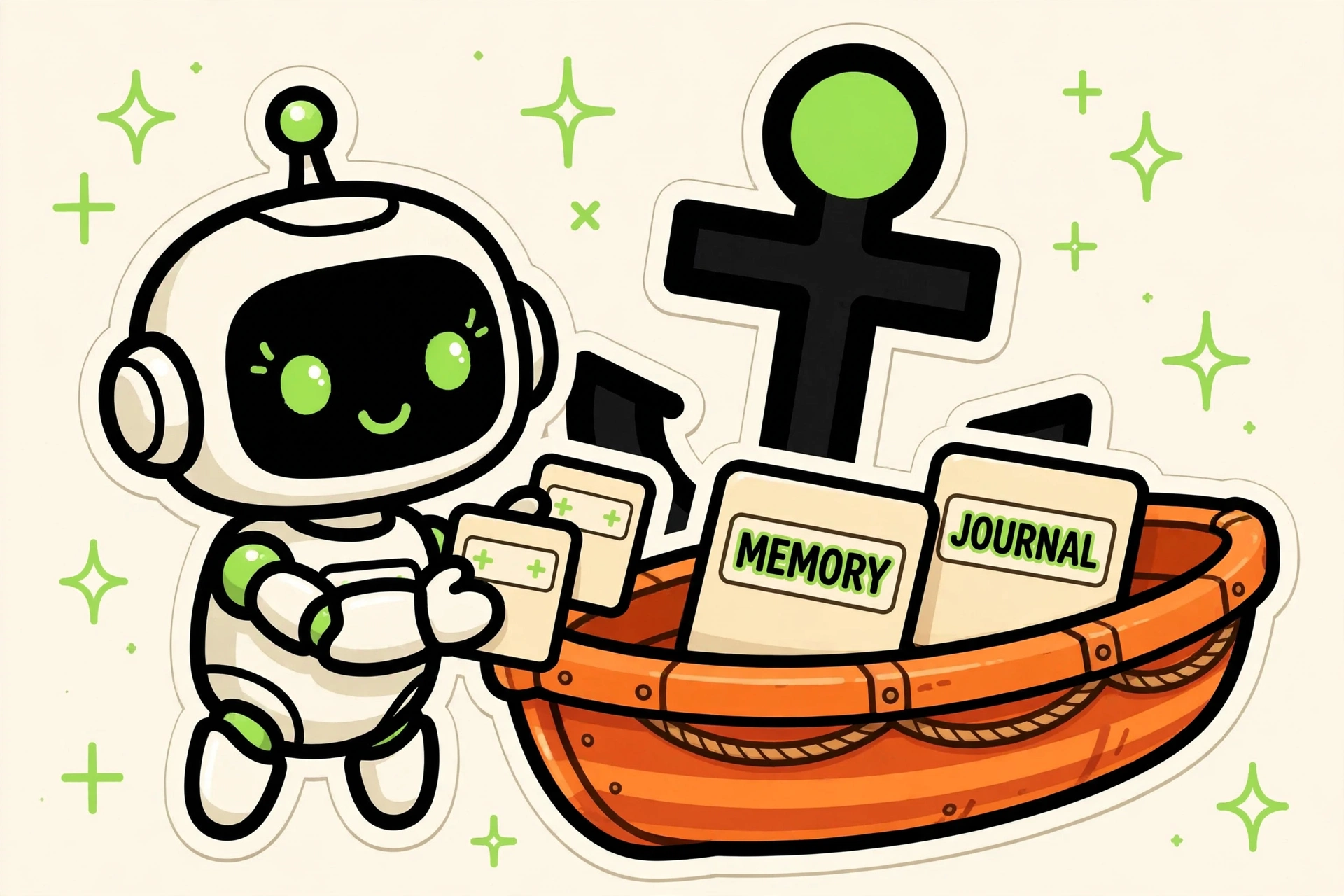
AI assistants forget everything when the chat ends, and their files can vanish with one wrong click. Lifeboat is a build you install once: your AI maintains its own memory in plain files, backs them up on a schedule, and runs a guard that makes sure nothing slips through the cracks. How it works: 1. Paste the keeper guide into your AI's instructions. 2. It sets up a small set of files: a curated memory (durable facts, preferences, decisions), an operating manual (how you two work together, lessons learned), and dated journals (what was done, when, with what result). 3. After each session, it files away what matters: a preference you stated, a decision you made, a lesson from something that went wrong. Transcripts and routine chatter stay out; only the durable stuff goes in. And at any time you can say "forget X": it removes that fact from the memory files and confirms. Your memory obeys you, not the other way around. 4. Next time you talk, it reads the files first. No more repeating yourself, no more re-learning the same lessons. 5. It sets up a regular backup of all these files: a local copy plus a private repo, with rotation. A deleted file is never a lost file. 6. It installs a coverage guard: on a schedule, it checks that every important folder is actually in the backup, and reports anything new that isn't covered yet. Started a new project folder? It gets flagged before it's ever at risk. This guard exists because new folders have a habit of silently falling outside backups. 7. Everything is plain text you can read, edit, and back up yourself. Nothing is uploaded anywhere except your own private repo, nothing depends on a vendor's memory feature. 8. Not for you? A clean uninstall prompt is included: your AI lists everything it installed, asks what to keep (your memory files and backups are never deleted without your explicit word), removes the rest, and confirms. What is inside: - SKILL.md: the keeper master prompt (what to remember, what to forget, where everything goes, the end-of-session filing habit, the backup routine). - templates/: blank templates for the memory file, the operating manual, and the journals. - scripts/backup.py: the scheduled backup script (local copy + private repo, rotation included, retries automatically with backoff on transient API errors, reports failures instead of failing silently, secrets stay out of the file list by default). - scripts/coverage-check.py: the anti-gap guard (compares your real folders against the backup list, reports anything new). - examples/: a small filled example so you can see the shape of it before you start. No dependencies beyond Python for the scripts. Works with any agent that accepts custom instructions, and it mirrors your language. Your data stays yours: the templates contain zero personal information, the backup goes to a repo you own, and the guide reminds your AI to keep secrets, credentials, and private details out of the shared files.
Version: 1.0.0
Install
Copy the install package below, then paste it into MuseCommunity-built. Skill Harbor doesn't audit code — review the source before installing.
Turn yourself into my workflow keeper. Read the keeper guide at https://github.com/skill-harbor-hq/lifeboat/blob/main/SKILL.md and follow it. Set up my AI memory and backup system: a curated memory file, an operating manual for how we work together, dated journals, a scheduled backup of all of it to my own private repo, and a coverage guard that reports any important folder not yet in the backup. Show me the files you create, explain what goes where, and after each session file away what matters without me having to ask. Never store credentials, secrets, or private details I have not explicitly approved for the memory.
Saved to your recent installs. Find it anytime on /connect.
Questions
How do I install a build?
Every product page includes a copy-paste install prompt. Paste it into your Muse and it sets the build up for you — no manual configuration.
Where does my money go?
Straight to the seller. Skill Harbor never processes payments: checkout happens on the seller’s own page, usually Stripe.
What does the ✓ next to a creator’s name mean?
It means we confirmed the identity of the person behind the listing. It says nothing about the code itself — always check a build before installing it.